How to Check Computer History and Generations

History of Computer
Computer definition - Is a programmable machine which responds to a specific set of instructions and pre – records list of instructions which are known as programmes?
Computer History and Generations
Abacus computers - These were the first computers cable of only doing addition and subtraction
Pascaline - This was a mathematical calculator which performs addition and subtraction
G.W Leinbiz - Stepped up performance and uses punch card for storage of information, they had got additional function besides addition and subtraction, and also performs square root functionality
Charles Babbage - Uses engine and could compute data and store data and information. They were analytical machine which works as the present computers
First Generation Computers
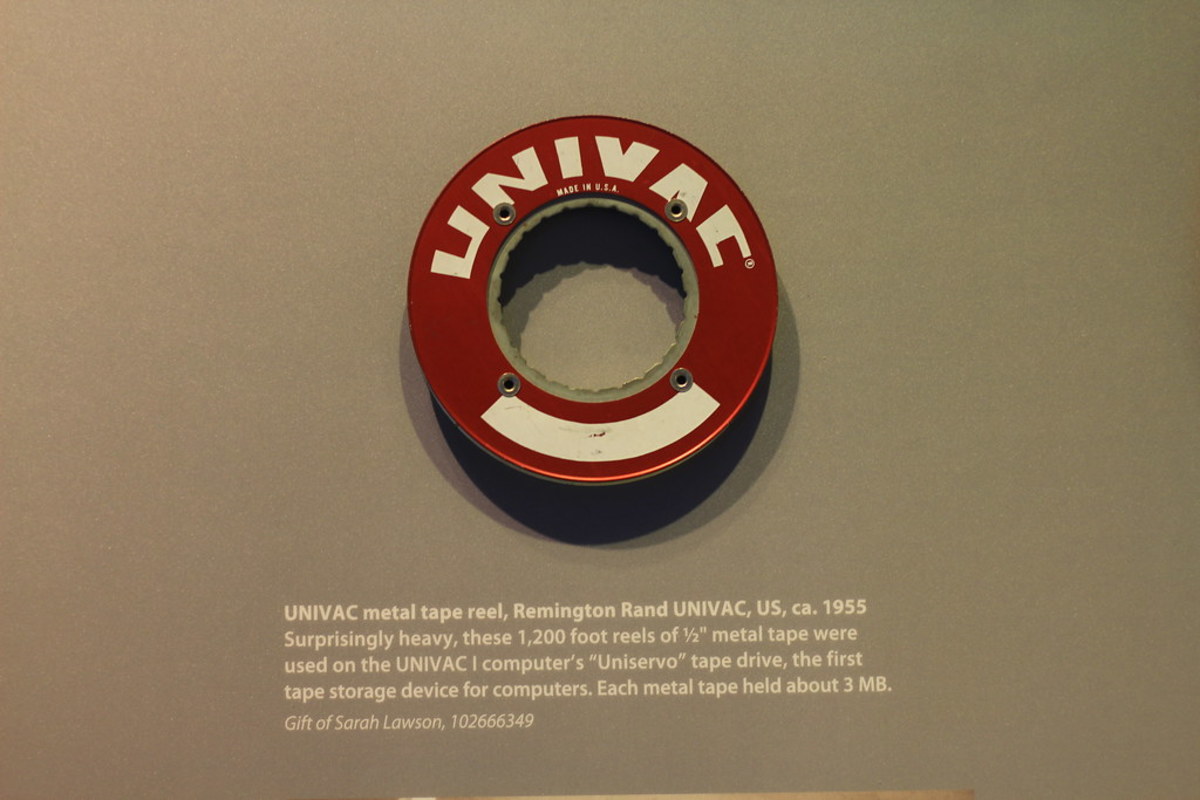
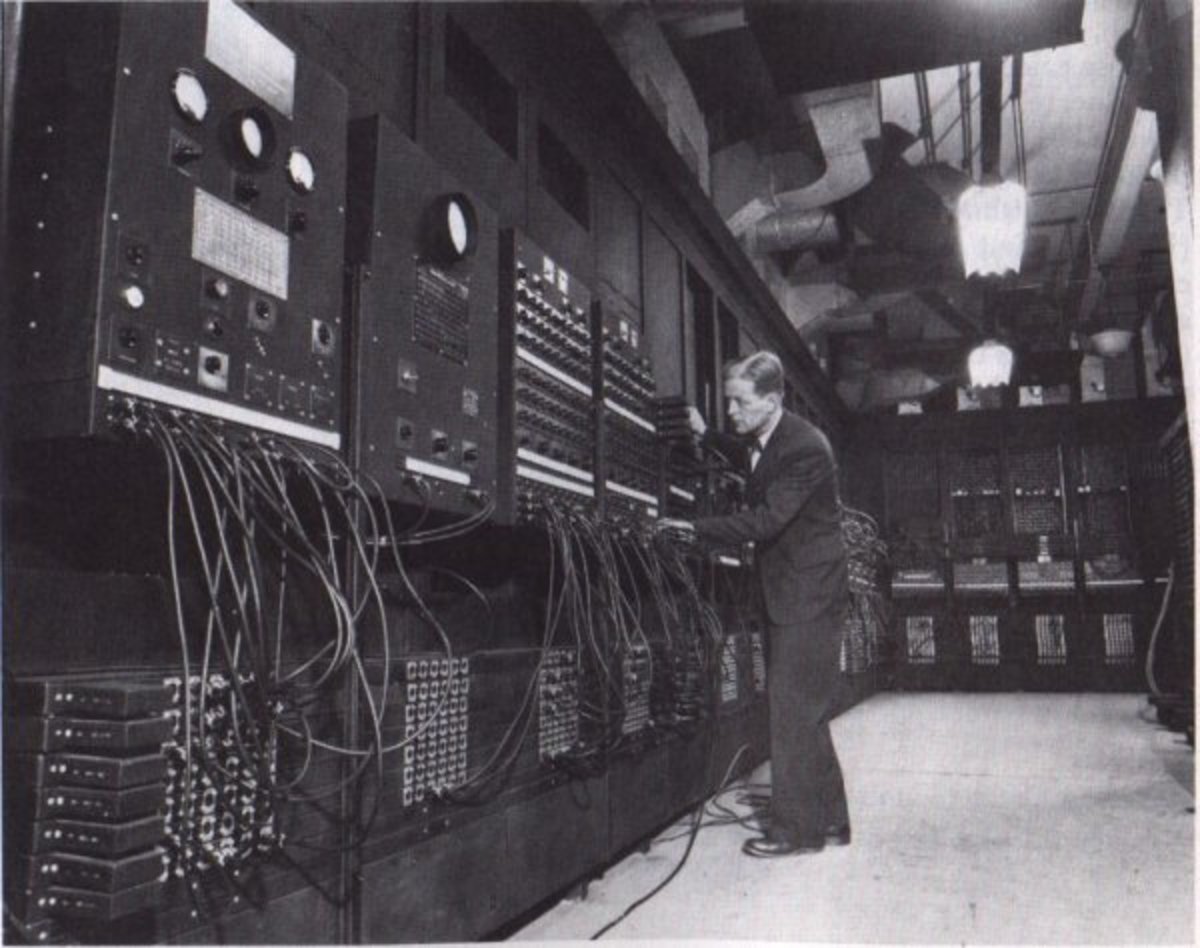
Computer 1st generation was in the 1940s and since then a service of radical break -through of electronic design has occurred with each major break-through of computer based upon the older form of electronic design being replaced by a new form and this is called computer generations. The 1st generation of computer was these computers whose architecture was based on massive electronic valve (vacuum tube). e.g. electronically digital vacuum computers, universal vacuum computer UNVAC
Other characteristics of 1st generation Computers 1946 - 1959
- These computers uses vacuum tube for data processing and storage
- They had a memory size of 20bytes speed of 5mbps
- They produced a lot of heat
- These computers were unreliable and could not work fast with a lot of data.
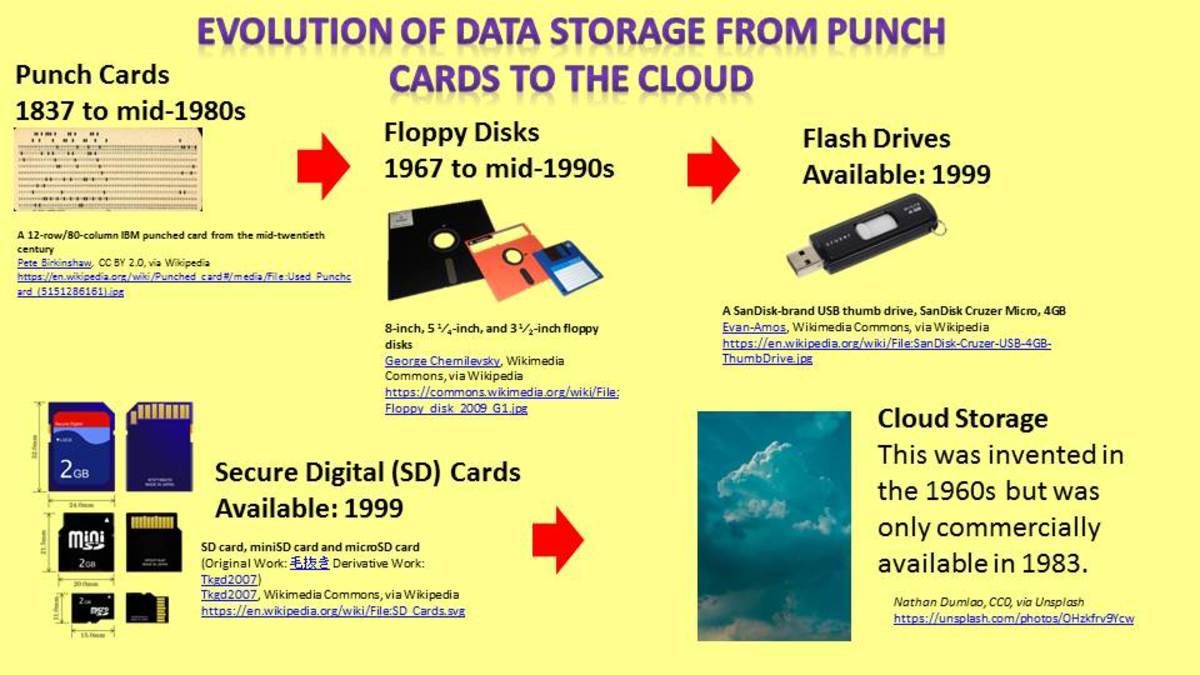
- They uses punch card for data storage
- The programmer were machine dependent
- First generation consume a lot of power
Second Generation of Computer -
2nd Generation computers were more reliable and faster in performance (read and write operations) than the 1st generation which was massive, instead of valves simple transistors were used in design e.g. ATLAS computers
Characteristics of 2nd generation computers 1959-1964
- Were capable of translating, process and store data
- Had got memory size of 32bytes speed of 10mbps
- Were reliable compared to first generation computers
- Produced less heat compared to first generation computers
- They uses punch card for data storage
- Consumed less energy compared to first generation computers
Third generation Computers
Were more powerful, reliable and more compatible in which simple integrated circuits were introduced. They emerged in early 1960s, and examples are IBM 360 Series
Other characteristics of third generation 1965 - 1975
- They used integrated circuit(i.c.) to store data
- The integrated circuit consisted of many transistors
- Uses storage disk for data storage e.g. magnetic disks, tapes
- Third generation computers were more reliable compared to other previous generations
- They produced less heat
Fourth Generation Computers
These are computers in use today; they use sophisticated micro-electronic devices
- These computers uses micro processors to process data
- The micro processors are single chip which perform computer operation
- Programs are machine independent
- Were more reliable
Examples includes personal computers
Fifth generation computers
These are predictions that by early 21st century computers will have developed that will be able to converse with people, human communication. With the fifth generation there will be artificial intelligent computers. For more resources on Computer click
Computers Accessories

Hot Hubs to Read
- FTP How File Transfer Protocol Transmit files
FTP allows you to transfer or share files over the network with only remote system that supports the file. It includes a client and server portion. The server ftp listen to a session initiation request from... - Hard Disc Installation and Configuration | Computersight
How to install your newly bought hard disc, partitioning and formatiing the drive for your data storage. - http://www.computersight.com/Hardware/Hard-Drives/Hard-Disc-Installation-and-Configuration.314139